How to Protect Your Content From Leaks (2026 Creator Guide)
How creators protect paid content from leaks: watermarks and leak tracing, blocked downloads, finding copies, DMCA takedown basics and what Belnoir does for you.
Key takeaways
- No platform can make leaks impossible, but tracing leaks back to their source makes sharing risky and gives you leverage.
- A valid DMCA notice has six parts set out in US law, and knowingly misrepresenting that something infringes can make the sender liable for damages.
- Removing a link from Google Search does not remove the file from the site, so contact the site and its host too.
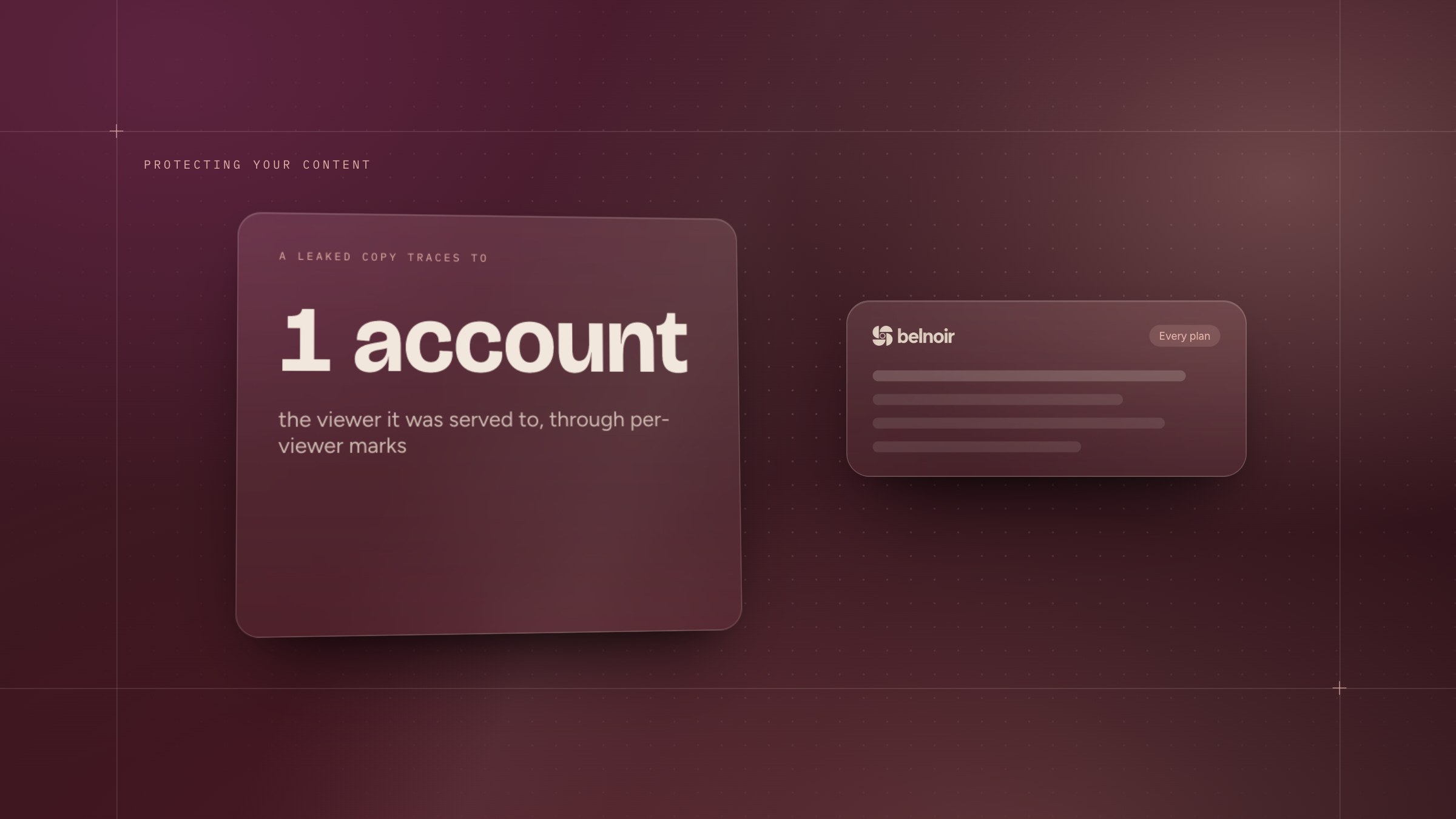
- On Belnoir, leak protection traces a copy to the account it came from and writes the notice; you sign and send it.
On this page
- Why Leaks Happen and What You Can Realistically Control
- Watermarks and Leak Tracing
- Blocking Downloads and Reducing Easy Copies
- Finding Copies of Your Content Online
- DMCA Takedown Basics (General Information)
- Where to Send Takedown Notices
- What Belnoir's Leak Protection Does Today
- A Simple Routine to Stay Ahead of Leaks
- Frequently Asked Questions
You protect content from leaks in three layers: make every copy traceable to the person who viewed it, make the original files hard to take, and act quickly when a copy appears by sending takedown notices to the site, its host and search engines. No platform can make leaks impossible, because anyone can point a second phone at a screen. What you can do is make sharing risky for the person who does it and make removal fast for you.
This guide covers each layer in plain terms, including the basics of a DMCA takedown notice under US law, with the official sources listed at the end. The legal parts are general information, not legal advice. If you are dealing with a large or repeated leak, a lawyer who handles copyright can tell you what applies to your situation.
We run Belnoir, so the last part explains what our leak protection does today and what it leaves to you. Belnoir is pre-launch: creators can sign up, verify and build their page now, while card payments stay in test mode until our card processor finishes its review.
Why Leaks Happen and What You Can Realistically Control
Many leaks start with someone who paid to see the content. They save a photo, record a video, or screenshot a message and post it to a forum, a file host or a group chat. Once a copy is out, it can be re-uploaded faster than any one person can report it.
That is why the goal is not a perfect lock. It is three things you can actually influence:
- Traceability: a leaked copy can be traced back to the account that viewed it.
- Friction: fans can view what they bought but cannot simply download the original file.
- Response: when a copy turns up, you know where to send a notice and what it must say.
A fan who knows that a leaked copy can be traced back to their account has a strong reason not to share. That deterrence is often worth more than any technical block.
Watermarks and Leak Tracing
A plain watermark with your username tells people where content came from, but it does not tell you who shared it. A per-viewer watermark does: each fan sees their own name or account code on what they open, so a leaked copy names its source.
Visible marks work best when they are hard to remove. A mark burned into the image on the server survives a screenshot. A mark that only sits on top of the page in the browser can sometimes be hidden by someone with a little technical skill.
Leak tracing adds a second layer: technology that can work out where a leaked copy came from, even when someone crops out or blurs a visible watermark.
A few practical habits help on any platform:
- Put your handle or page address on preview images you post publicly, so reposts still point fans to you.
- Keep your original, unmarked files in your own private storage, with the date you made them. They help show the work is yours.
- Avoid posting full-resolution originals anywhere public. Previews can be smaller and cropped.
Blocking Downloads and Reducing Easy Copies
The simplest leak is a fan pressing a download button. Platforms built for paid content usually let fans stream or view purchases without handing over the original file. This does not stop screen recording, but it removes the easiest route and means any copy that does escape is a lower-quality capture that can still be traced.
Other settings can lower your risk too. Blocking viewers from your own city, state or country keeps your page away from people who know you offline. Watching for look-alike accounts helps you catch impersonators who repost your previews to sell fake access.
None of this replaces tracing. Think of blocked downloads as the lock on the door and leak tracing as the camera above it.
Finding Copies of Your Content Online
Set a regular time, once a week is a good start, to look for your content. A few methods cost nothing:
- Search your name and handle on major search engines and on sites where you have seen your work reposted before.
- Reverse image search. Google's help pages explain how to search with an image: upload a file or paste an image's address into Search by image, or in Chrome, right-click an image and choose Search with Google Lens. Results vary, and search tools may not show results for every kind of image, so treat this as one tool among several.
- Ask fans you trust to tell you if they see your work somewhere it should not be.
When you find a copy, save the evidence before you do anything else. Pages disappear and reappear, and a specific link is what makes a takedown request work.
When you find a leaked copy
- Save the linkCopy the exact address of the page or file, not just the site's home page.
- Capture the pageTake a dated screenshot of the page showing your content and the address bar.
- Note the sourceIf a viewer's name or code is visible in the watermark, write it down.
- Keep a copySave the leaked file privately so it can be traced and compared with your original.
- Don't engageAvoid commenting or messaging the uploader. Report through official channels instead.
DMCA Takedown Basics (General Information)
In the United States, copyright protects your photos and videos from the moment you create them. The US Copyright Office says a work is protected once it is created and fixed in a tangible form, and that registration is generally voluntary. You do not need to register to send a takedown notice.
Section 512 of the US Copyright Act sets out how a copyright owner asks an online service to remove infringing copies. The law says a notice must include substantially the following six elements:
- Your physical or electronic signature, as the owner or someone authorized to act for the owner.
- Identification of the work that was copied, such as a description and a link to where you sell it.
- Identification of the infringing copy, with enough detail, usually the exact link, for the service to find it.
- Your contact information.
- A statement that you have a good faith belief the use is not authorized by you, your agent or the law.
- A statement that the notice is accurate and, under penalty of perjury, that you are authorized to act for the owner.
Two rules are worth knowing. First, the person who posted the copy can send a counter-notice, and under the law the service will generally restore it not less than 10 and not more than 14 business days later unless you tell the service you have filed a court action. Second, section 512(f) makes anyone who knowingly and materially misrepresents that something is infringing liable for damages, including costs and attorneys' fees. Only send notices for content that is yours and that you did not allow to be shared.
One more point: the Copyright Office says you must register a US work before you can sue for infringement. If leaks of a set keep happening, ask a lawyer whether registering it makes sense for you.
Where to Send Takedown Notices
Start with the site where the copy appears. Most large sites have a copyright form or a listed copyright agent. The US Copyright Office keeps a public DMCA Designated Agent Directory, where you can look up the agent many US services have registered to receive notices. Service providers are also expected to post that contact on their own site.
If the site does not respond, send the same notice to the company that hosts it and to the registrar of its domain name. Both usually have an abuse contact.
Then go to search engines. Google says copyright owners, and organizations representing them, can ask it to remove search results that link to infringing content, through the process in its Legal Help Center. Keep in mind that this only removes the link from Google's results. The file can still exist on the original site, which is why the site and its host come first.
Some sites sit outside the United States and may not follow US law. Many still act on copyright complaints, so it is usually worth sending a clear, polite notice anyway.
Sending a takedown
- Step 1The site itselfUse the site's copyright form or the agent listed in its terms.
- Step 2The web hostSend the notice to the host's abuse contact if the site ignores you.
- Step 3Search enginesAsk Google to remove the infringing link from its results.
- Step 4Follow upTrack each request and check the link again after a few days.
What Belnoir's Leak Protection Does Today
Leak protection is included on every Belnoir plan, including the free Essentials plan. Here is what it does:
- Your address in the corner: every photo and video shows your belnoir.app address in the bottom right corner, the same for every fan. On photos it is burned into the picture on our servers, so it survives screenshots.
- Advanced leak protection: Belnoir can trace leaked photos and videos back to the account they came from. Videos are covered once they finish processing, which happens in the background after upload for videos of any length up to 4K; until then they carry your corner address.
- No downloads for fans: fans view what they buy on Belnoir and cannot download the original files. You can always download your own. See Viewing Your Purchases.
- Tracing a copy: when you find a leak, you upload the copy in Leak Protection and Belnoir checks which account it came from. For processed videos, a downloaded copy, a screen recording or a clip of a minute or so is usually enough. Very short clips and very plain, smooth photos and scenes are harder to trace, so not every copy can be traced.
- Takedown notices: paste the links where your content is posted, and Belnoir writes a standard DMCA notice in your name, finds who to send it to (the site's own form for some large sites, then the domain registrar and the web host), and gives you a list where you mark each notice as sent, removed or refused.
- Leak Shield: when you report a traced leak and our team confirms it, that account cannot buy or subscribe to content from any creator on Belnoir for a year.
To be clear about what we do not do: Belnoir does not search the web for your content, and we do not send takedown notices for you. You find the copy, you review and sign the notice, and you send it. That keeps you in control of every request made in your name.
You can also block viewers by country, state or city, and get alerts about look-alike accounts on Belnoir that use a similar name or photo. Fans agree not to share what they buy, and a traced leak can lead to the account being closed. Read more about how we keep people safe.
A Simple Routine to Stay Ahead of Leaks
Leak protection works best as a habit, not a crisis response. A routine that takes under an hour a week:
- Search your name, handle and a few recent images once a week.
- Save evidence for anything you find, then trace it and send notices the same day.
- Keep a simple log of each link, where you sent the notice and when it came down.
- Use public previews that are cropped, lower resolution and marked with your handle.
- Keep your originals backed up privately, with their dates.
If you are thinking about adding a second platform, our guide to OnlyFans alternatives compares the main options, and becoming a creator on Belnoir takes about three minutes. Leak protection is on from the first file you upload.
Frequently Asked Questions
Can I completely stop my content from being leaked?
No platform can guarantee that, because anyone can record a screen with another device. What you can do is make every copy traceable to the account that viewed it, block easy downloads, and send takedown notices quickly when a copy appears.
Do I need to register my copyright to send a DMCA notice?
No. The US Copyright Office says copyright protects a work from the moment it is created and fixed, and registration is generally voluntary. Registration is required before you can sue for infringement of a US work. This is general information, not legal advice.
What has to be in a DMCA takedown notice?
US law lists six elements: your signature, identification of your work, identification of the infringing copy with enough detail to find it, your contact details, a good faith statement that the use is not authorized, and a statement under penalty of perjury that the notice is accurate and you are authorized to act.
Does removing a link from Google take down the leak?
No. Google's copyright process removes search results that link to infringing content, but the file can still be on the original site. Send your notice to the site and its web host as well.
Does Belnoir send takedown notices for me?
No. Belnoir's leak protection traces a leaked copy to the account it came from, writes a standard DMCA notice in your name and finds who to send it to. You review, sign and send it yourself, and you can track which sites have taken it down in Leak Protection.
Is leak protection extra on Belnoir?
No. Leak protection, including leak tracing, your corner address and takedown notices, is included on every plan, including the free Essentials plan. Videos are covered once they finish processing, for videos of any length up to 4K.
Sources
- US Copyright Office: Section 512 of Title 17 (notices, counter-notices, restoration period), checked November 11, 2026
- 17 U.S.C. 512, Legal Information Institute, Cornell Law School (512(c)(3), 512(f), 512(g)), checked November 11, 2026
- US Copyright Office: Copyright Basics FAQ (protection at creation, registration before suit), checked November 11, 2026
- US Copyright Office: DMCA Designated Agent Directory, checked November 11, 2026
- Google Search Help: Search with an image on Google, checked November 11, 2026
- Google Chrome Help: Search with Google Lens in Chrome, checked November 11, 2026
- Google Transparency Report Help: Google Search removals due to copyright infringement FAQs (no page date shown), checked November 11, 2026
- Google Legal Help: Copyright Help Center, checked November 11, 2026
Other platforms' terms change. Figures were checked against the sources above on November 11, 2026. This article is general information, not financial, tax or legal advice.
More from the Blog
All articles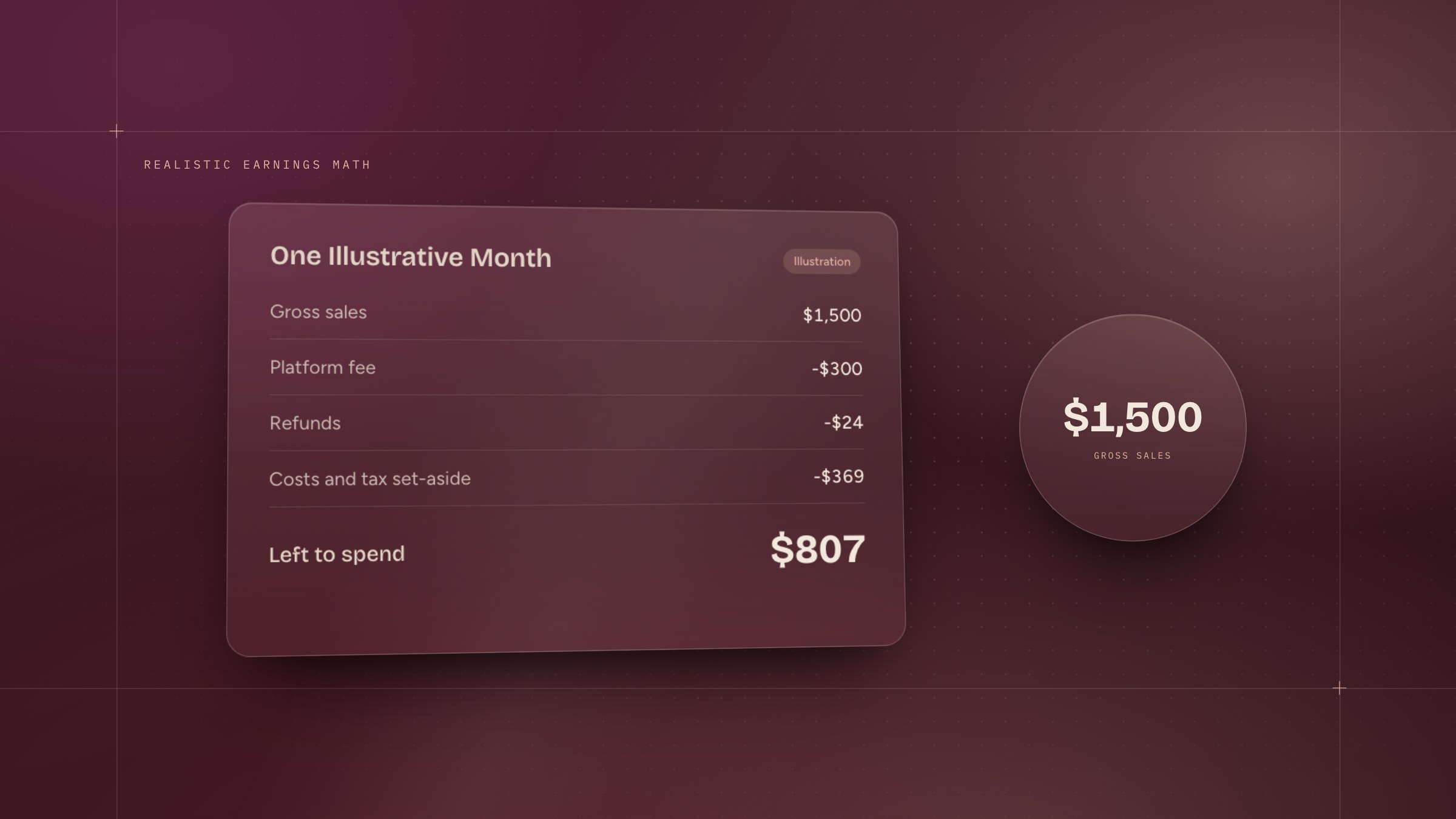
Money
How Much Do Subscription Creators Make? Realistic Math (2026)
How much subscription creators really keep: worked examples of platform fees, refunds, holds, churn, agency cuts and taxes, with IRS sources. Not tax advice.
· 9 min read
Comparisons
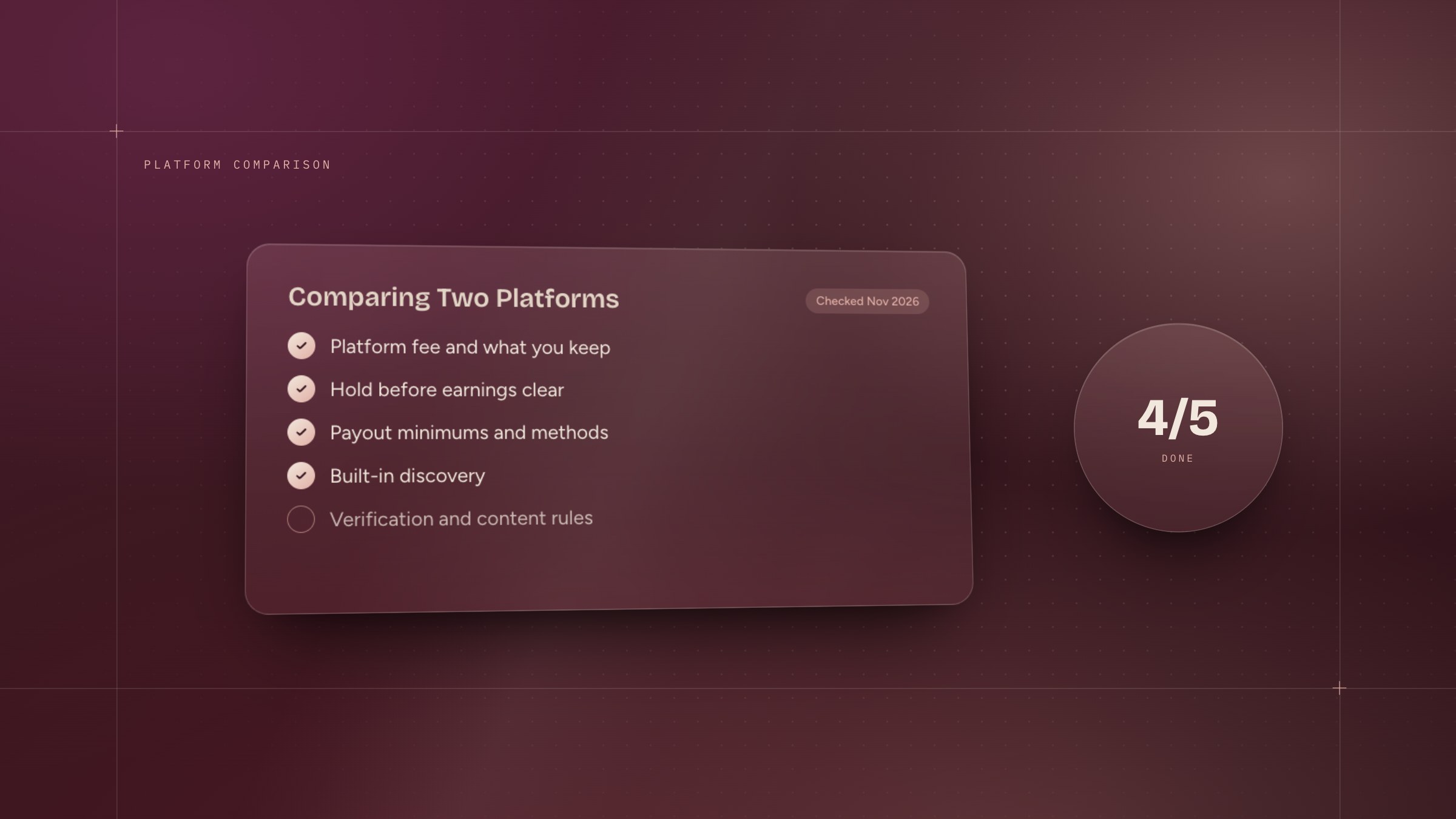
OnlyFans vs Fansly for Creators: Fees, Payouts and Rules (2026)
OnlyFans vs Fansly for creators in 2026: a neutral, sourced comparison of fees, payouts, holds, minimums, discovery, verification and content rules.
· 8 min read
Growth
How to Switch From OnlyFans to Another Platform Safely
A practical guide to moving subscribers to a new platform: running two pages side by side, telling fans, pricing a launch offer, timing and what to avoid.
· 9 min read